
Improvements
Authenticator Support
Login now supports authenticator setup with temporary one time passwords (TOTP).
Users can check the "Setup Authenticator" checkbox during login to setup their authenticator. The user's login credentials will need to be validated before the authenticator can be setup.
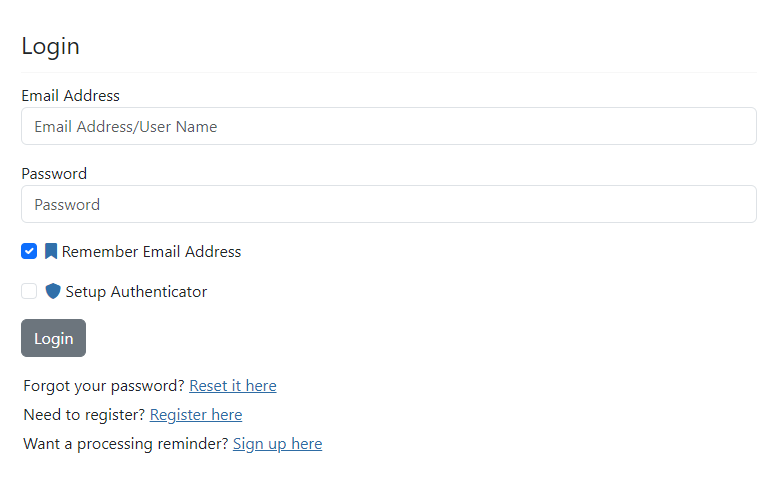
If the user selects the "Setup Authenticator", they will be redirected to the "Setup Authenticator" page where they can enroll their authenticator.
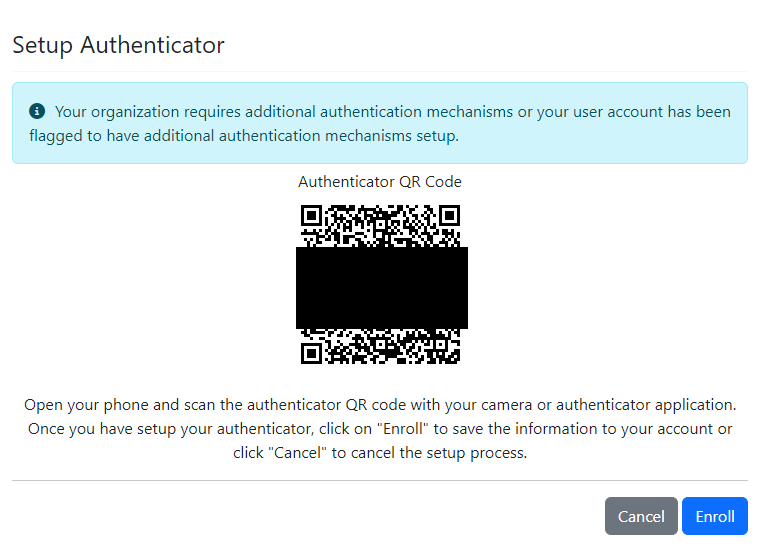
Once the user clicks "Enroll", they will be redirected back to the login page where they will now be required to enter in the TOTP code from their authenticator.
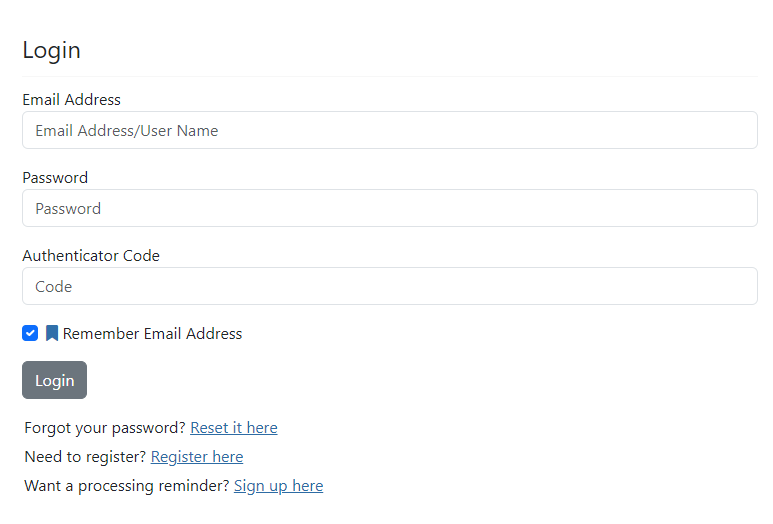
Once enrolled, users can only clear the authenticator setup from their settings page, or contact support to have it reset.
Supported Authenticators
This is the list of authenticators tested with the application, others may work as well.
- Microsoft
- Samsung
- Apple
Fixes
Display Performance
There was an issue with the file display taking a long time to load. This has been improved by loading some details in the background.